

Hotel WiFi is a fixed network in a fixed building, and the hotel’s staff can tell you which network is theirs. A cruise changes that. Your connection moves between a ship at sea, a different port nearly every day, and the hotels and airports on either end. Public WiFi safety on a cruise means managing several different networks over one trip, and the risks are not the same on each.
Why cruise WiFi is a different security problem than hotel WiFi
Most ships reach the internet through satellite links rather than a cable in the ground. That connection is shared by every passenger and crew member who is online, so it is often slower and less stable than land-based WiFi. The slowness matters for security because people under pressure make poor choices. A page that will not load, a login that times out, or a “reconnect” prompt that appears three times is the kind of friction that gets people to click something they should not.
Ports add a second problem. You step off the ship, your phone looks for networks, and every café, bar and terminal offers a “free” one. You cannot easily verify who runs any of them, and you will be in each place for a few hours at most.
Banks add a third. A login from a ship’s satellite connection, then a port in another country, then home, can look like account takeover to a fraud system. Your own security tools can end up locking you out of your money mid-trip.
The three networks you’ll actually connect to on a cruise
Shipboard WiFi. The cruise line runs this network and usually sells access in packages. You typically connect to the ship’s network, then sign in on a login page. Because the ship controls the network, the main risks come from the other passengers on it and from lookalike login pages.
Port cafés and terminal hotspots. These are run by businesses or local operators you know nothing about. They are the most likely place to meet a fake network, because attackers only need to be near a crowd of tourists with a name that looks plausible.
Hotel and airport WiFi on either end. These networks are large, busy and open to everyone passing through. Airports in particular have many similarly named networks, and travelers connect in a hurry, tired from a long journey.
Each of these needs slightly different handling, which the checklist at the end of this article covers.
Before you sail: a 10-minute phone and laptop setup
Do this at home, on your own network, while everything still works normally.
- Update everything. Install pending operating system and app updates on your phone, tablet and laptop. Updates fix known security holes, and downloading them over a slow ship connection is frustrating.
- Turn on two-factor authentication for key accounts, meaning email, banking and any travel booking account. Use an authenticator app or passkeys where offered. Text message codes can fail when your phone is not on a roaming plan, so do not rely on them alone at sea.
- Set up a password manager if you do not use one. Unique passwords mean one compromised account does not open the others.
- Turn off auto-join for open WiFi networks and delete saved networks you do not recognize.
- Switch off file and device sharing (AirDrop to everyone, network discovery on a laptop) and make sure your device firewall is on.
- Tell your bank and card issuers your travel dates and countries. Many banks let you do this in the app. It reduces the chance that a login from a ship or a foreign port freezes your card.
- Save what you need offline. Download boarding documents, port addresses, confirmation emails and your cruise line’s app content before you leave.
- Back up your devices and enable “find my device” so a lost phone in a port can be located or wiped.
How to spot a fake port café or terminal network
A fake network, sometimes called an evil twin, copies the name of a real one or invents a believable one such as “Terminal Free WiFi” or “Port Guest.” Once you join, the operator may be able to watch unencrypted traffic or push you to a fake login page.
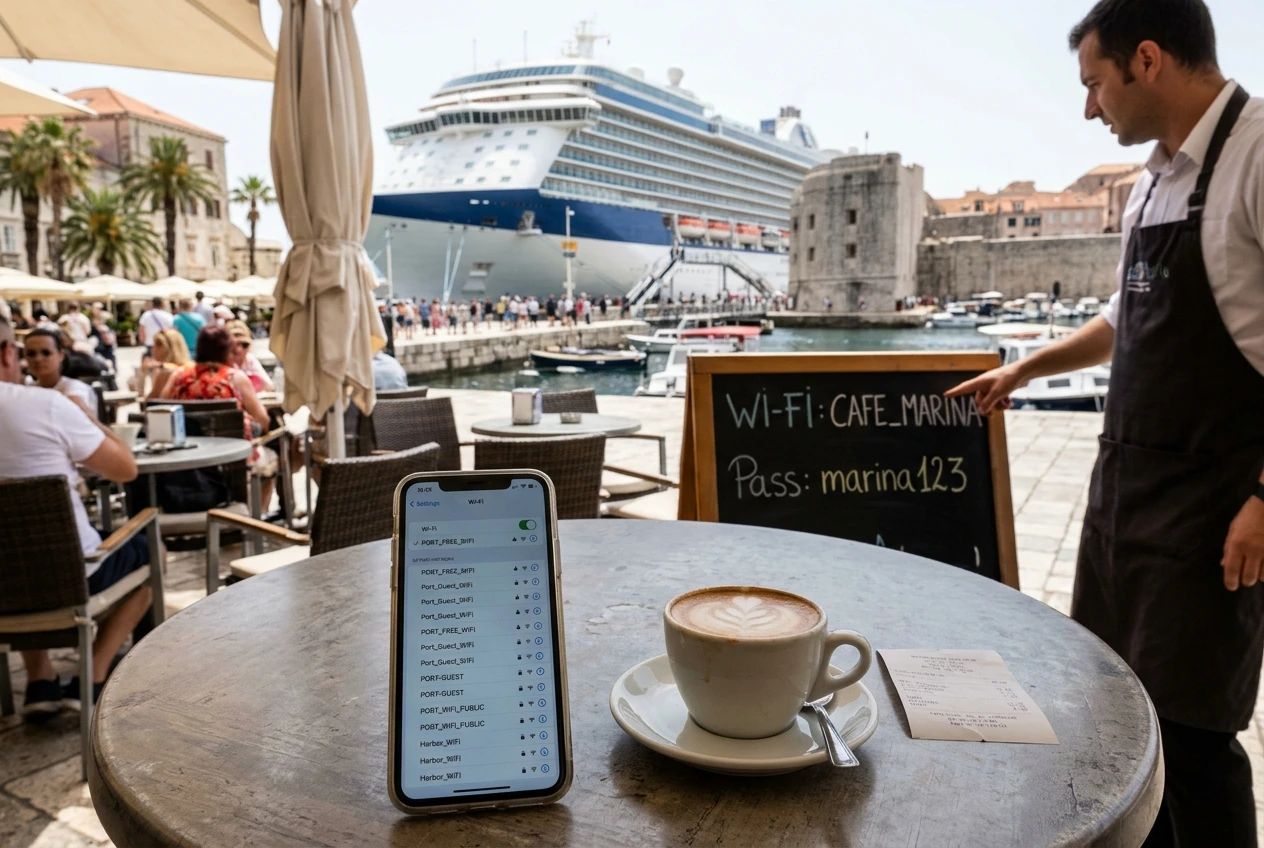
Several signs help:
- The name is generic or slightly different from the sign on the wall. Ask staff for the exact network name and password. A legitimate café will know it, and often prints it on the menu or receipt.
- Open networks with no password deserve more suspicion than ones with a password the venue gives you, though a password alone does not prove a network is safe.
- The login page asks for too much. A café that wants your card number, passport details or a full set of personal information to give you WiFi is not behaving normally.
- You are prompted to install an app, profile or certificate to get online. Decline. Real guest WiFi does not need this.
- Your browser warns about the connection or a site’s certificate. Treat that as a stop sign, not an obstacle to click through.
If you have any doubt, skip the network. Ten minutes of mobile data or waiting until you are back on the ship costs less than a compromised account.
What a VPN does and doesn’t protect on ship WiFi
A VPN encrypts the traffic between your device and the VPN provider’s server. On a shared network, that means other users, and the network operator, cannot read what you send, such as which sites you visit. That is a real benefit on any public WiFi, including a ship’s.
A VPN does not do everything people assume:
- It does not stop phishing. If you type your password into a fake page, the VPN will carry it there securely.
- It does not remove malware or protect a device that is already compromised.
- It moves trust to the provider. The VPN company can see your traffic instead of the café, so choose a reputable one with a clear privacy policy.
- It can be slow or unreliable on satellite links, which are already limited. Some networks may also interfere with VPN connections.
On many public networks you need to reach the login page first, then turn the VPN on once you are connected. If the sign-in page will not load with the VPN running, switch it off, sign in, and switch it back on straight away.
Banking, booking and boarding passes: what to do online and what to save for later
A useful rule is to decide by consequence: what happens if someone saw or interfered with this?
Fine on ship WiFi with a VPN and HTTPS: reading email, checking the weather, messaging, browsing, looking up port information, and checking social media.
Better to do on your own connection or after the trip:
- Online banking, transfers and anything involving account settings
- Entering full card details on a new site
- Changing passwords or recovery settings
- Filing documents that contain passport or ID details
Prepare before you leave the ship: boarding passes, port arrival details, return flight confirmations and hotel addresses. Save them as PDFs or wallet passes so you never need public WiFi to reach them at a terminal counter.
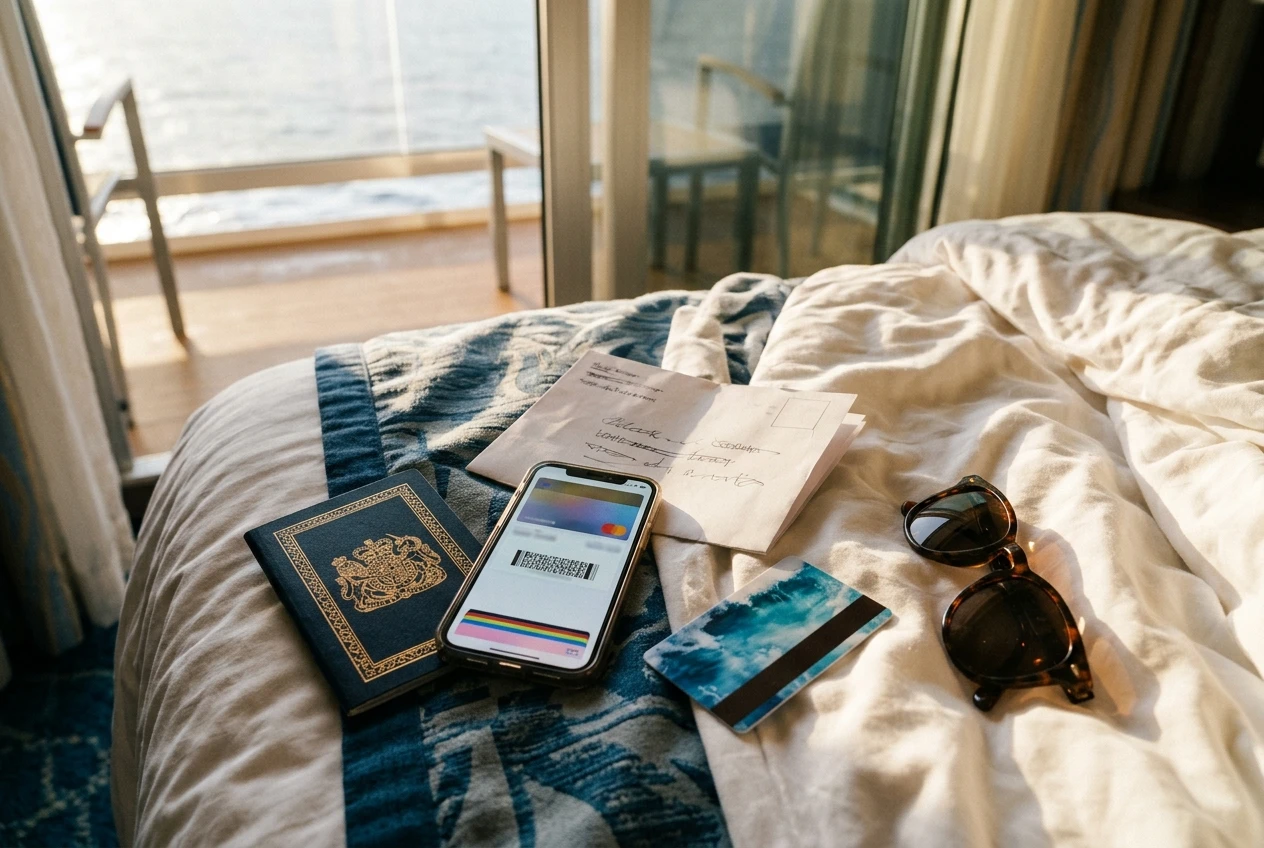
If your bank does flag a login and locks your card, call the number on the back of the card rather than using a link in an email or text. Messages claiming to be fraud alerts are common among travelers.
When your own hotspot beats public WiFi
A personal hotspot gives you a private connection that only your devices use. There is no shared login page, no unknown operator and no lookalike network to choose between. Depending on the device and plan, it can work in ports and in the airports and hotels at either end of the trip, though coverage varies by destination and some plans do not work at sea, so check where your device connects before you rely on it.
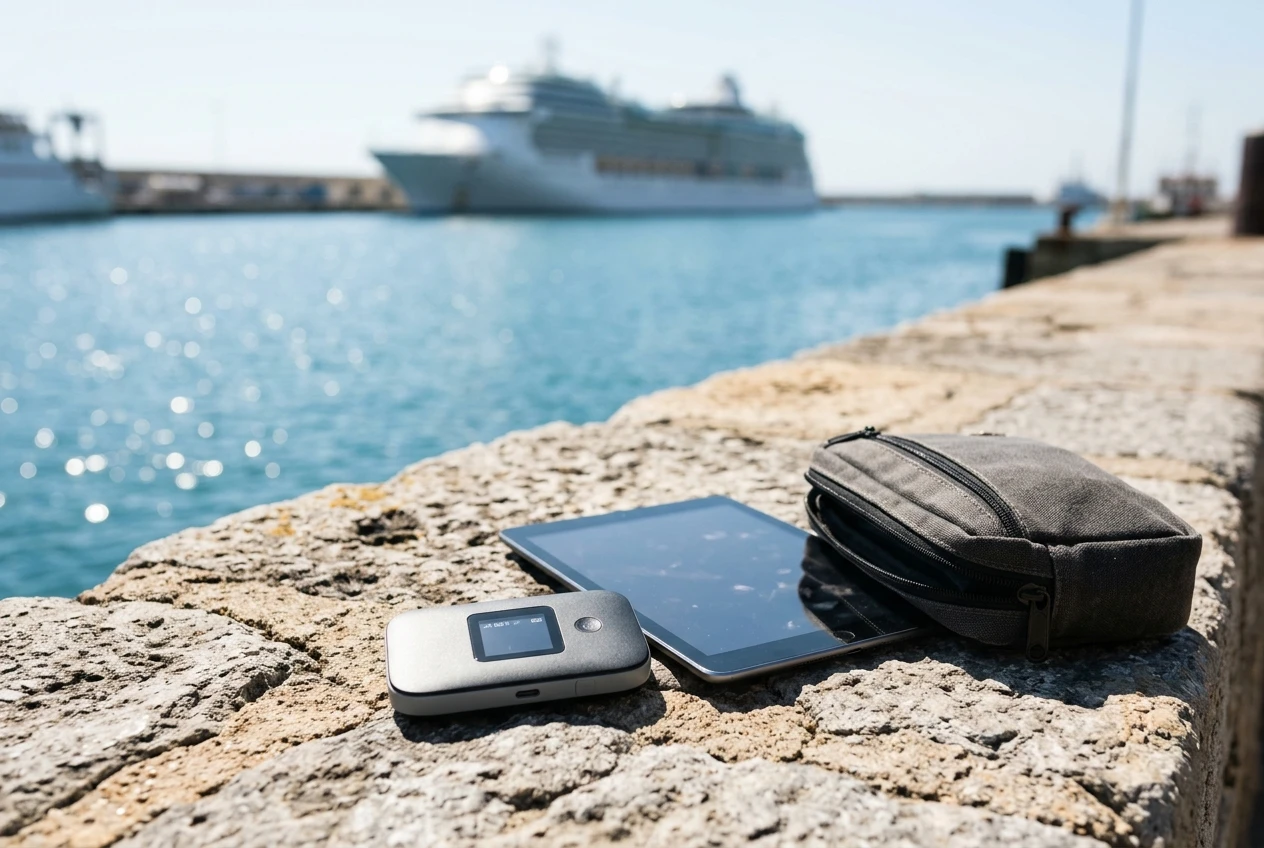
For sensitive tasks such as banking or payments, your own mobile data or a hotspot is the safer choice in port. We cover the options, the trade-offs and how to pick one in our guide to portable WiFi hotspots.
A one-page checklist to screenshot before you board
Before you leave home
- Update phone, tablet and laptop
- Turn on two-factor authentication for email, banking and booking accounts
- Use a password manager
- Turn off auto-join and remove old saved networks
- Notify your bank of travel dates
- Download boarding documents and addresses
- Back up devices and enable find my device
On the ship
- Connect only to the network name given by the cruise line
- Do not install apps or profiles to get online
- Use a VPN once you are signed in
- Skip banking and payment changes
In port
- Confirm the network name with staff before joining
- Avoid open networks that ask for personal details
- Use mobile data or your own hotspot for anything financial
- Forget the network after you leave
Hotels and airports
- Choose the official network name shown at the desk or gate
- Turn on the VPN and keep sharing switched off
- Save sensitive tasks for a private connection
Choose your setup
If you want to keep sensitive tasks off shared networks entirely, start with our portable WiFi hotspots guide, then look at the VPN and hotspot picks that fit your itinerary. Some of those links are affiliate links, which we explain in our affiliate disclosure.