
A plug adapter makes your charger fit a foreign socket and does nothing else. Surge protection is a separate function that some adapters add, and it is easy to mistake for something it is not. A travel adapter with surge protection can help your laptop, phone and camera chargers survive a voltage spike, but it will not fix a mismatch between your device and the local voltage. Knowing the difference decides whether you need one, what to buy, and what else belongs in your bag.
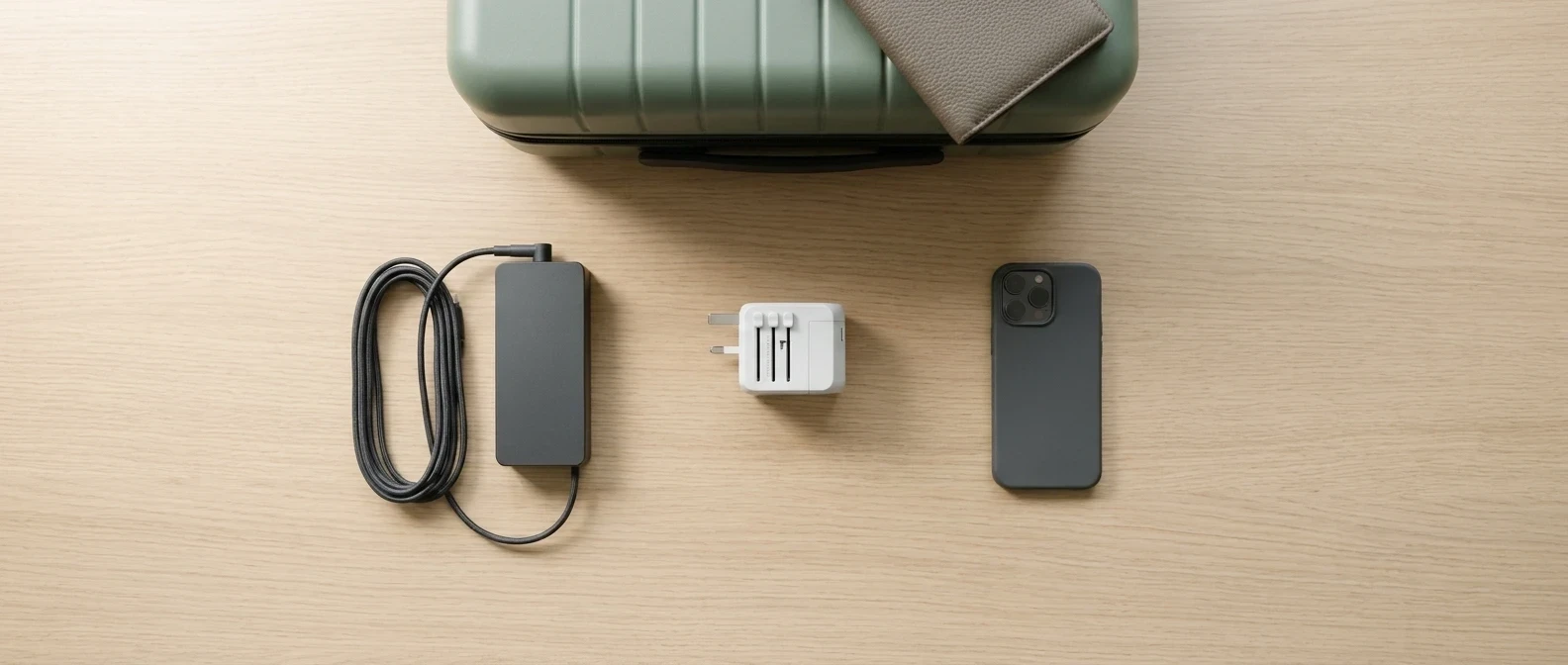
Plug adapter, voltage converter, surge protector: three different jobs
A plug adapter changes the shape of the connection. It has metal pins on one side and a socket on the other, and in most basic models nothing electronic sits between them. The voltage that comes out of the wall is exactly the voltage that reaches your charger.
A voltage converter (or transformer) changes the voltage itself, for example reducing 230V to 110V for an appliance built only for the lower figure. These units are heavier than adapters and are rated in watts, and the appliance you plug in must draw less than that rating.
A surge protector absorbs short spikes above the normal voltage. Most use a component such as a metal oxide varistor that diverts the excess energy before it reaches your device. It does not change the standard voltage and does not help if the outlet’s normal voltage is simply wrong for your device.
A travel adapter with surge protection combines the first job with the third. It does not do the second. That is why the “surge protected” label on a package can give a false sense of safety: it covers one risk and leaves another untouched.
Why a power surge abroad can ruin a charger or laptop
Spikes come from lightning, heavy motors starting up, grid switching and faulty building wiring. Wiring quality and grid stability vary between buildings and regions, and as a traveler you cannot inspect either one in a hotel room or a rental apartment.
Your chargers contain small circuits designed for a specific voltage window. A spike well beyond that window can burn out components in the charger first. If the charger passes the spike along, the damage can reach the device’s own charging circuit or battery. Replacing a charger is an annoyance, but replacing a laptop motherboard is a different cost entirely.
The devices most exposed are the ones you plug in and leave unattended, which usually means overnight:
- Laptops, whose power bricks feed expensive internal electronics
- Phones and tablets charging on a bedside outlet
- Camera battery chargers, often left plugged in while you sleep
- E-readers, smartwatches and other small devices on USB chargers
Separately, a different group of items fails for a different reason: hair dryers, straighteners, some shavers and some travel kettles are often built for a single voltage. Plugged into a higher-voltage outlet, they can fail immediately. A surge protector will not prevent that, because the voltage is steady and not a spike.
Check your devices first: reading the input label
Before buying anything, read the small print on each charger and device. Look on the power brick, the plug body or the underside of the device for a line that starts with “INPUT.”
A typical modern laptop or phone charger reads something like this (an example of the format):
INPUT: 100-240V ~ 50/60Hz 1.5A
A range covering 100 to 240V means the charger is dual-voltage and works on the mains supply in most countries. Most countries use roughly 220 to 240V, while North America and a few others use roughly 100 to 127V, so a charger with that full range needs only a plug adapter.
If the label shows a single figure, such as “120V,” the device is built for one voltage. In a 230V country it needs a voltage converter rated for its wattage, or it should stay home. Some hair tools have a voltage switch, so look for one before assuming either way.
Also check the output line on the charger, for example “20V 3.25A.” Multiply the two numbers to get the wattage (65W in this example). Add up the wattage of everything you plan to run through one adapter, because that total matters when you read the adapter’s own rating.
What to look for on a surge-protected adapter
Packaging language such as “advanced protection” or “safe for all devices” tells you nothing. The markings on the product body tell you more.
- Rated amps and volts. The adapter should print its maximum current and voltage on the body, for instance “10A 250V.” Your combined device load must stay below it.
- Fuse. A fuse protects against overcurrent, meaning too much draw, and is a different thing from surge protection. Look for a stated fuse rating, and a replaceable fuse is a plus. A fuse alone does not make an adapter surge protected.
- Certification marks. Look for marks from recognized testing bodies, such as a UL listing, or the CE or UKCA marks required for sale in Europe and the UK. UL 1449 is the US standard for surge protective devices. CE is a manufacturer’s own declaration of conformity, so it is weaker evidence than a mark from an independent lab. Check that the mark is printed on the adapter, not just the box, and if a listing number is shown, look it up in the certifier’s online database.
- Joule rating. Surge protectors usually state how much energy they can absorb, in joules. A higher figure means more capacity. An adapter that claims surge protection but gives no figure and no standard gives you nothing to verify.
- Status indicator. Some units have a light showing that the protection is active. This matters because surge components wear out, and after absorbing a large spike the protection may be gone while the adapter still passes power.
If a product claims surge protection and shows none of these markings, treat the claim as unverified.
Universal adapter or country-specific: when each makes sense
A universal adapter has sliding or swappable pins for several regions. It suits trips across multiple countries, and one purchase covers future destinations. The downsides are size, more moving parts, and in some models a looser fit in the socket, which can interrupt contact when a heavy plug pulls on it.
A country-specific adapter is smaller and has a firmer, simpler fit. It suits a single destination or a country you visit often. If your trips are one region at a time, a few cheap fixed adapters can be more reliable than one multi-pin unit.
Whichever you choose, check that it passes through the earth (ground) connection if your charger has a three-pin plug. Laptop chargers with an earth pin need an adapter that carries it through.
Mistakes that void the protection
Surge protection works within limits, and several common habits push gear outside them:
- Daisy-chaining. Plugging a power strip into an adapter, or one surge protector into another, can exceed the rating of the first link and confuse which device is actually protecting what.
- Overloading. A hair dryer, steamer or kettle can draw more than a small adapter is rated for. Check the adapter’s amp rating against the device’s wattage before plugging in.
- Bringing a home power strip. A strip rated for 120V may not be rated for 230V. Read its label before using it abroad, and use a travel-rated multiport USB charger instead.
- Assuming it replaces a converter. A single-voltage appliance in the wrong outlet is not protected by surge suppression.
- Using a damaged unit. If an adapter feels hot, smells burnt, shows discoloration or sits loose in the wall, stop using it. After a visible surge or power cut, replace a unit whose indicator light has gone out.
- Wet areas. Keep adapters and chargers away from bathroom sinks and anywhere they could get wet.
A pre-trip power checklist you can screenshot
- Read the INPUT line on every charger: does it say 100-240V?
- Note any single-voltage items and decide: converter, or leave at home
- Add up the wattage of devices you will run through one adapter
- Check the adapter’s printed amp and volt rating against that total
- Confirm a certification mark on the adapter body, not just the packaging
- Look for a joule rating and a status light if surge protection is claimed
- Confirm the adapter fits your destination’s socket type
- Confirm earth pass-through if your laptop charger has three pins
- Skip home power strips unless their label shows the right voltage
- Avoid chaining adapters and strips together
- Unplug valuable devices during storms or when you leave the room
Where a surge-protected adapter fits in your wider carry-on kit
The adapter is one piece of a power setup that also includes cables, a multiport USB charger, and a battery pack for the times you are away from any outlet. A multiport charger lets one adapter power several devices at a safe total load, which reduces the temptation to chain strips. For a broader view of what else is worth packing, see our list of must-have tech gadgets for every traveler.
A surge-protected adapter is worth carrying if you leave a laptop or camera charging unattended, or stay somewhere with uncertain wiring. If every charger you own is dual-voltage and you only charge phones while you are awake and nearby, a basic adapter with a good fit and a fuse may be enough. In both cases, the label on each charger tells you more than the product page does.
Pair this with our guide on choosing a portable charger so your whole power setup is covered before you fly.